Explore the features

DRIVING WEATHER. ALONG YOUR ROUTE.

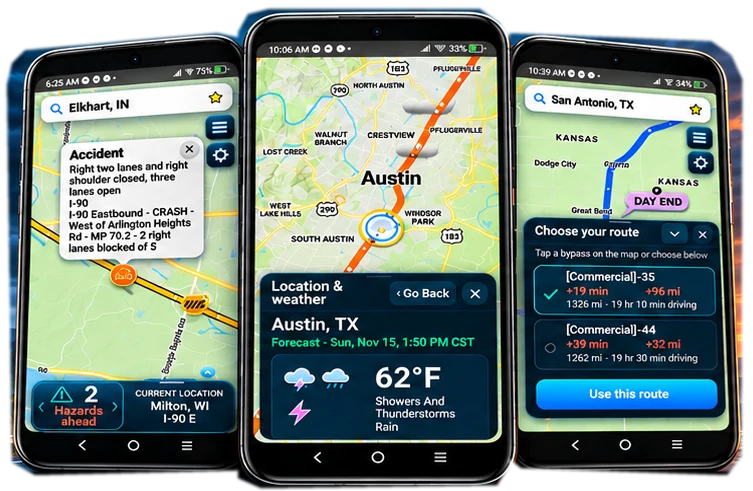
OnRoadWeather brings arrival-time forecasts, radar, available roadside cameras and reported incidents into an Android route weather app. Review the conditions expected along the way, with your departure time and estimated arrival at each checkpoint in view.

OnRoadWeather app illustration
Illustrative OnRoadWeather route weather planning image
FEATURE 01

Route forecasts matched to arrival time

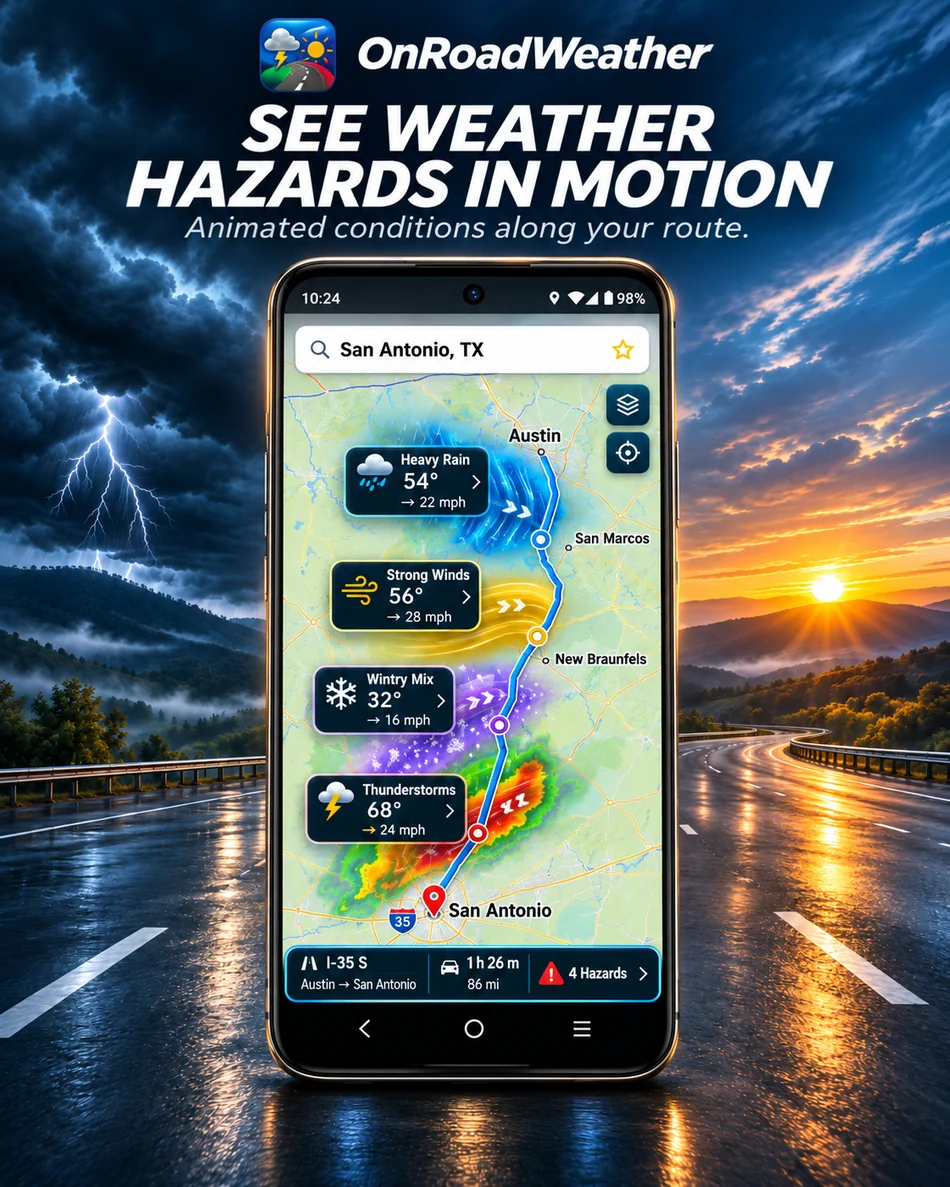
Your drive takes place across locations and hours. OnRoadWeather matches forecast information to when you expect to reach checkpoints along your route, so you can review more than the weather at the start and destination.

Check forecast rain, snow, wind and visibility along the drive. Estimated arrival times and forecasts can change as your trip changes.

See how arrival-time forecasts work ↗
Illustrative OnRoadWeather roadside camera planning image
FEATURE 02

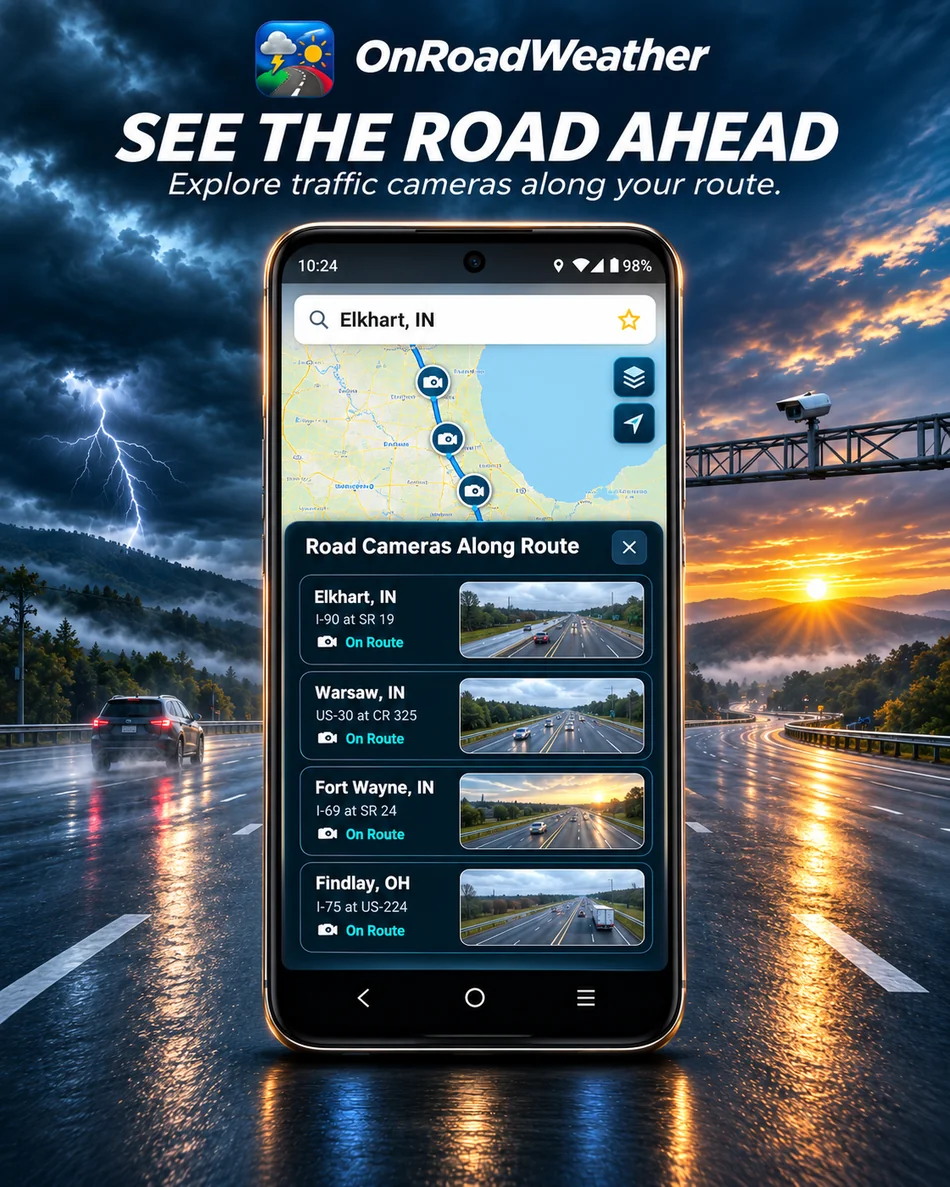
Available roadside camera snapshots

Look at available camera snapshots for additional context at a particular location. Check the image time and what the camera actually shows before relating it to your route.

Coverage and refresh timing depend on the source. A clear image at one camera does not confirm conditions between cameras or farther down the highway.

Put road-condition information in context ↗
Illustrative OnRoadWeather trip and weather timeline image
FEATURE 03

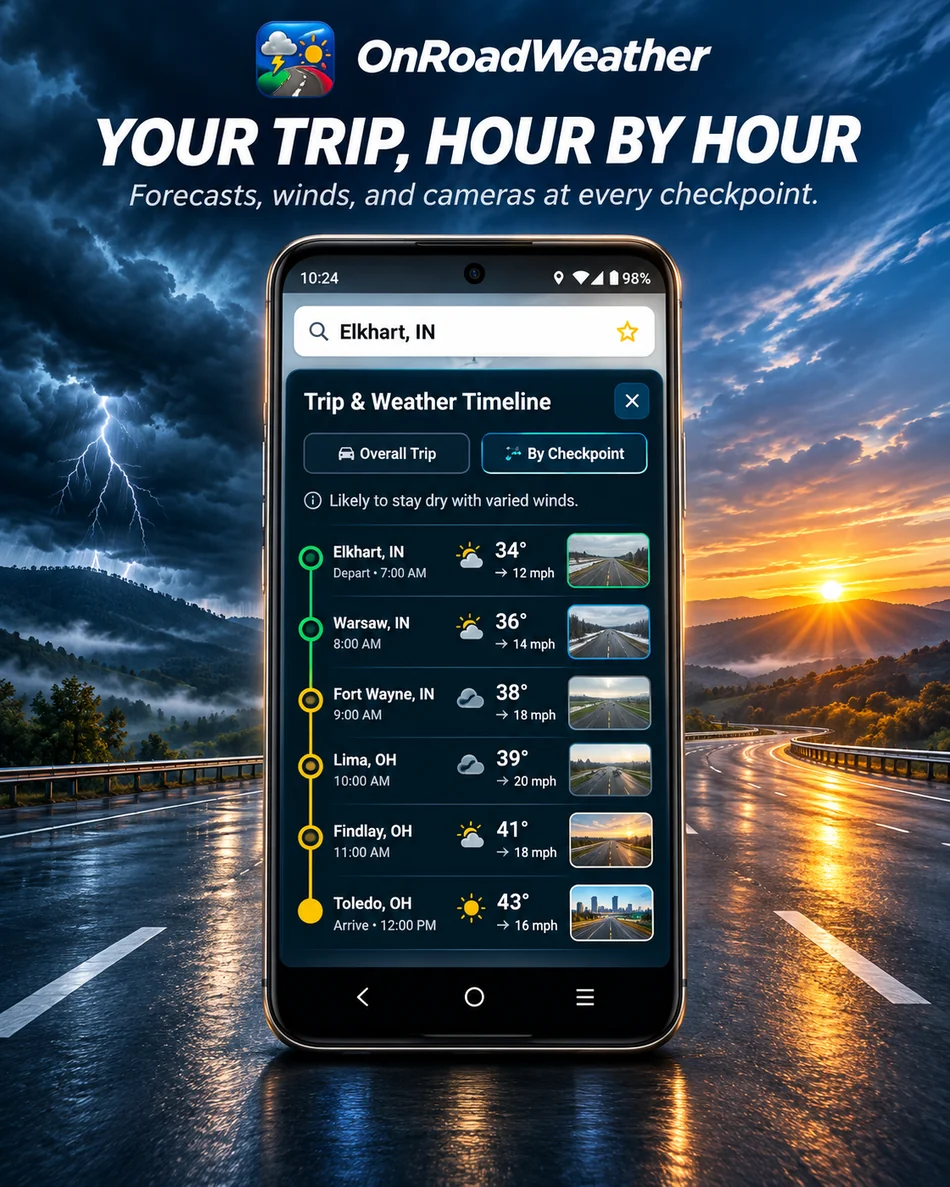
A timeline for your trip weather

Review route checkpoints with expected arrival times and forecast conditions. This helps you connect a weather change with the part of the journey where it may matter.

For a longer highway drive, look beyond the next checkpoint. Revisit the timing when a stop, delay or change of plans affects when you will reach later sections.

Read the highway weather planning guide ↗
Illustrative OnRoadWeather departure planning image
FEATURE 04

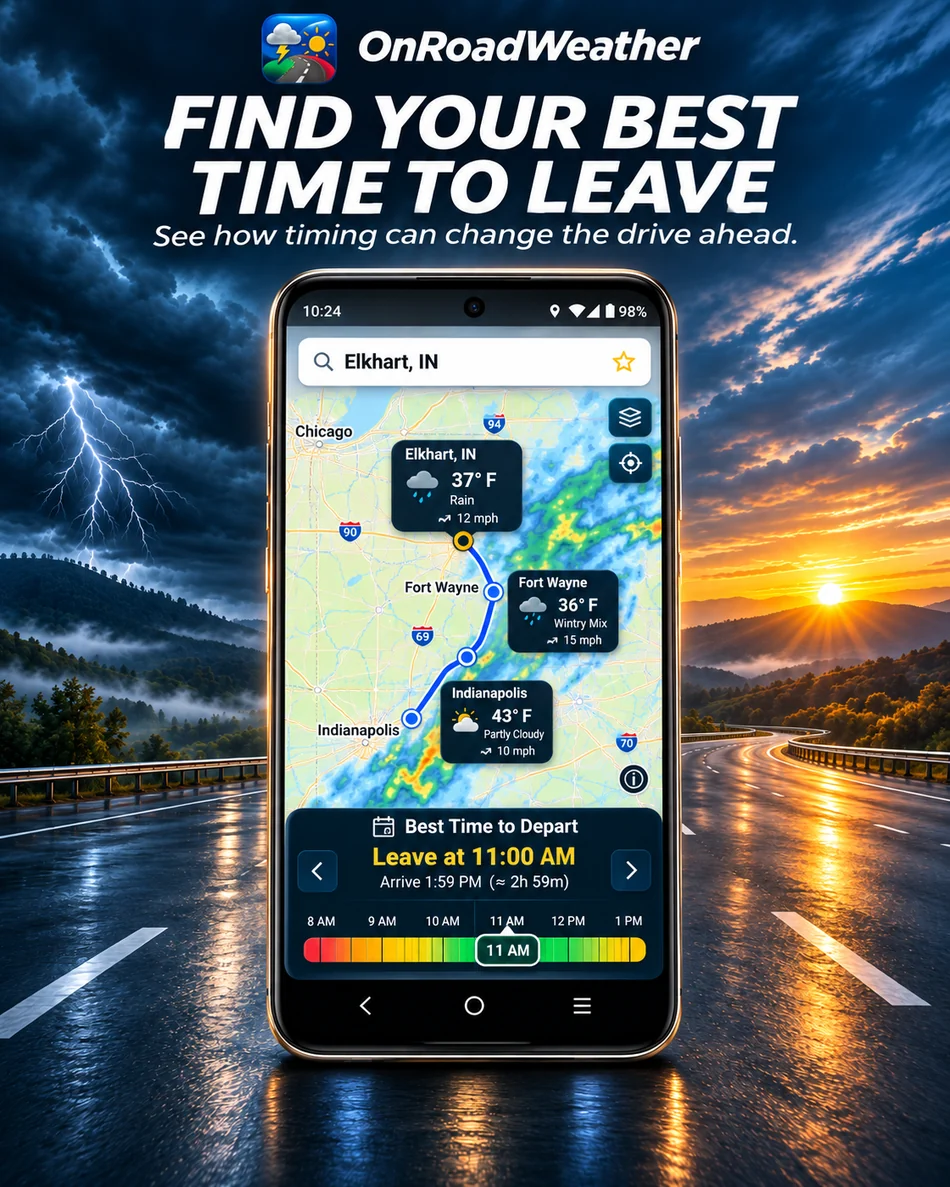
Weather for your planned departure

Leaving earlier or later changes when you reach each part of the route. Review the forecast against the departure time you are considering and compare the conditions expected along the journey.

Use that information to prepare your plan, then check again before leaving. A forecast helps inform a decision; it cannot promise a weather-free driving window.

Plan weather checks for a road trip ↗
Illustrative OnRoadWeather reported road incidents image
FEATURE 05

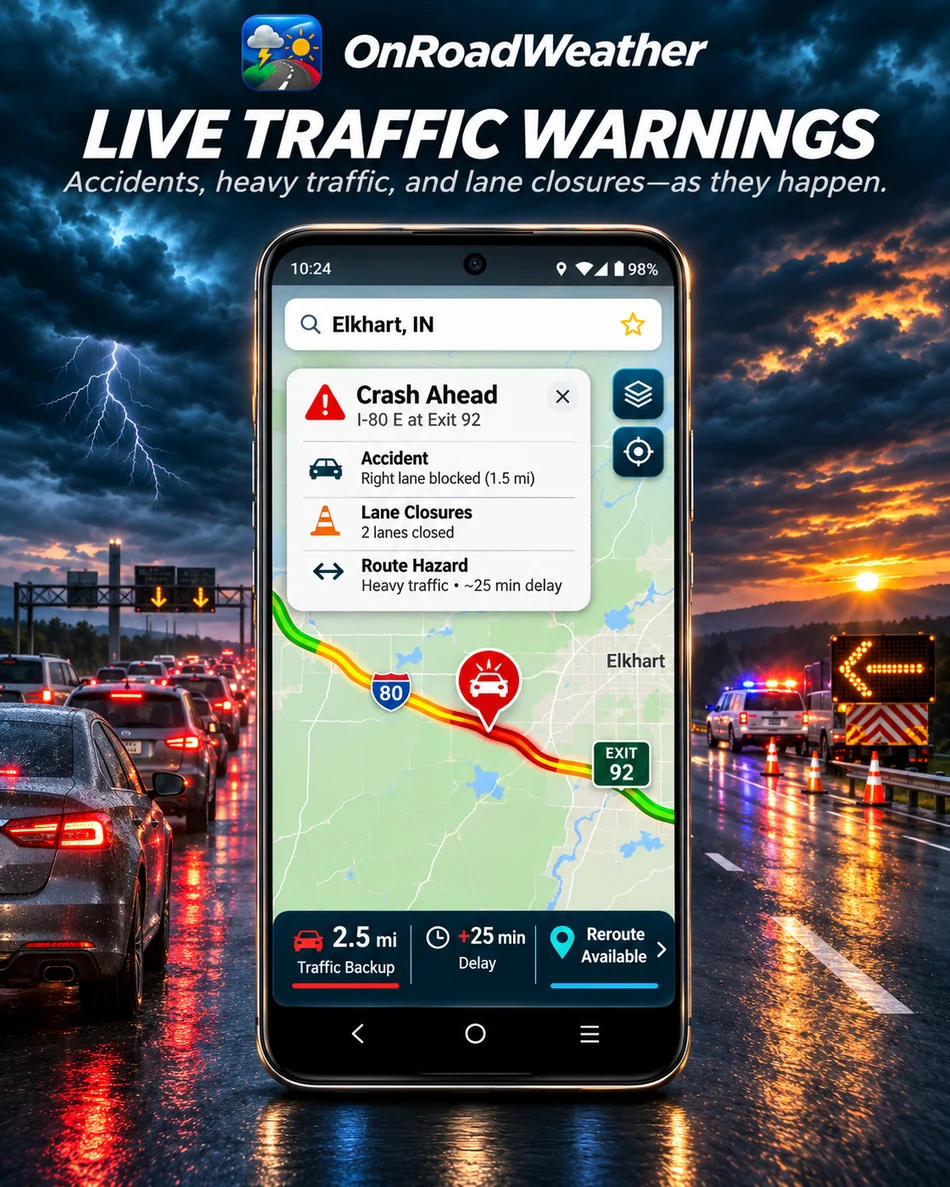
Reported incidents alongside the weather

Review available incident reports for additional road context. A report may affect the timing of your trip, which also changes when you encounter the forecast weather.

Reports can be delayed, incomplete or unavailable. An empty map does not confirm an open road. Verify closures and vehicle restrictions with the responsible road agency.

Learn what road reports can tell you ↗
Illustrative OnRoadWeather planning image for longer drives
FEATURE 06

Overnight planning for longer drives

Include planned overnight stops when reviewing a longer trip. The next day's departure changes when you reach later checkpoints, so check the forecast for each driving day and the places you expect to stop.

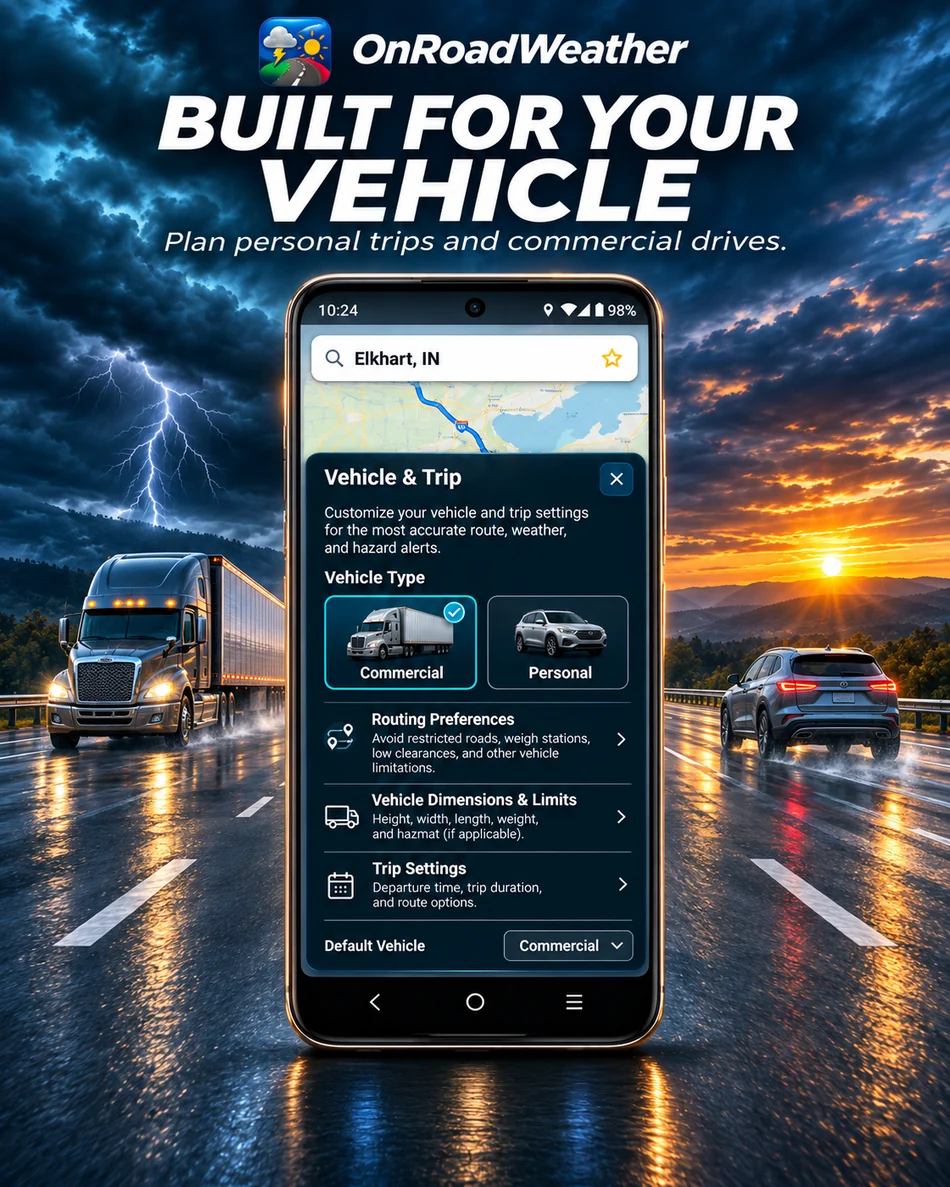
Revisit the remaining trip if a stop or departure time changes. Planning horizons and available tools depend on your plan and the weather data. For professional use, combine weather planning with official road information and your vehicle's operating requirements.

Plan weather for a multi-day road trip ↗

Explore planning for truck drivers ↗

Radar adds context to the forecast

Use radar to review recent precipitation, then compare it with conditions expected at arrival. A current radar image and a forecast several hours ahead answer different questions.

Learn how to use weather radar along your route.

For the road ahead

PLAN SMARTER. DRIVE INFORMED.

See weather along your route, hazard reports, available roadside cameras and more in one Android app.

Get OnRoadWeather on Google Play

Free features with optional Plus and Commercial subscriptions.